
LamboBoost
A social media marketing platform designed to provide businesses and creators with a streamlined way to manage digital growth services — from ordering to fulfilment.
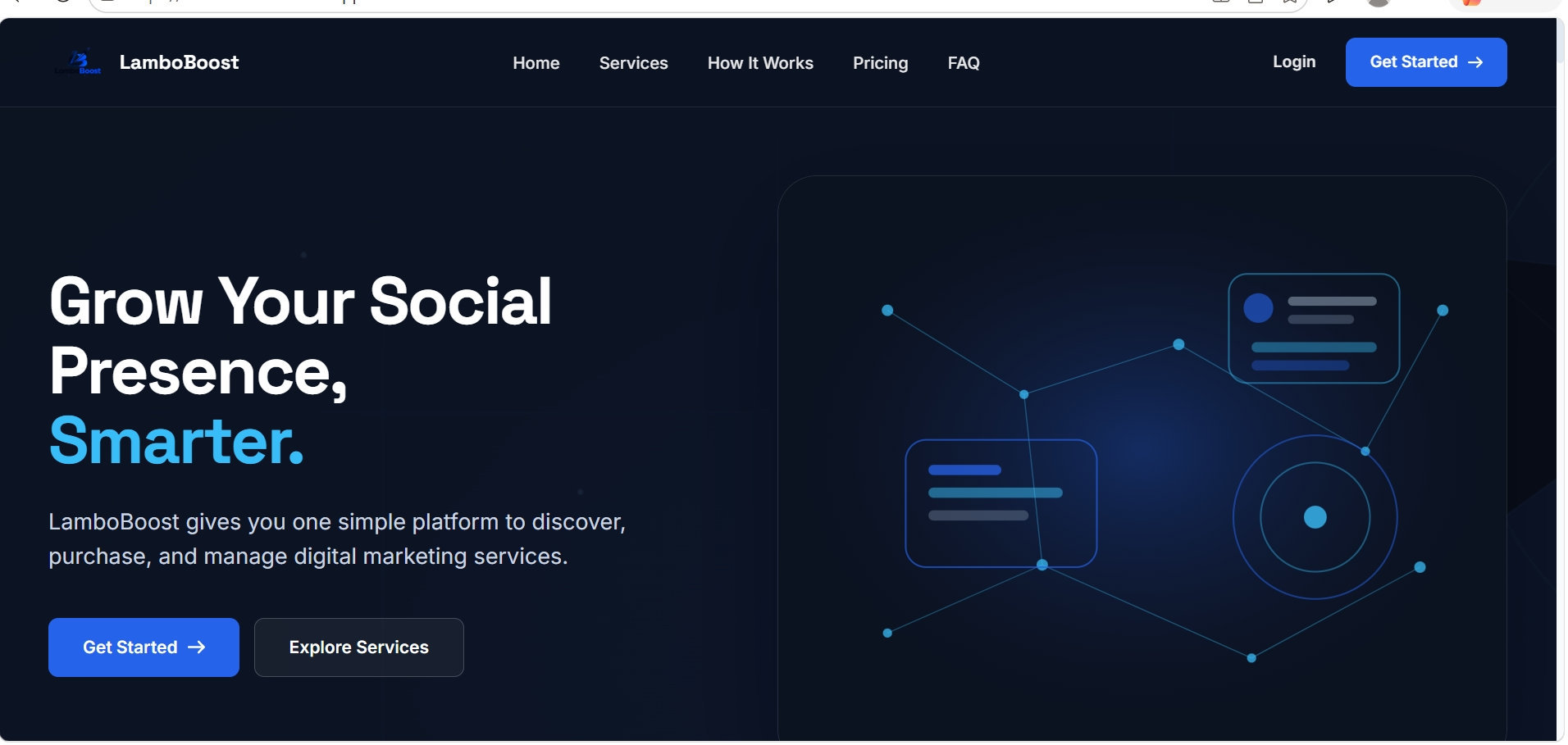
What I built
LamboBoost is a web application built for the social media marketing industry. It gives businesses and creators a centralized platform to browse marketing services, place orders, track progress and manage their digital growth — all from a single dashboard.
The platform includes a service catalogue, an ordering system, user accounts, an admin dashboard for managing orders and services, and a dashboard that shows order status and history. It was designed to handle the full workflow from service discovery to order completion.
I built the entire application: the frontend interface, the backend API, the MongoDB data models, the admin tools and the order management system.
The problem I was solving
Social media marketing services are usually managed through DMs, spreadsheets or disconnected tools. There's no single place where a business can browse services, place an order and track what's happening with their campaigns.
The challenge was building a platform that handles the full lifecycle: service presentation, ordering, payment tracking, order status updates and admin management. The interface needed to be clear enough for non-technical users while supporting the operational complexity of managing multiple orders simultaneously.
How I built it
I used Next.js for the application framework, TypeScript for type safety, and MongoDB as the database. The backend uses Next.js API routes for all server-side logic, with MongoDB handling the flexible document structure needed for varying service types and order configurations.
Frontend
Next.js with a dashboard-oriented layout. The service catalogue uses server-side rendering for SEO, while the dashboard and admin panels use client-side rendering for interactivity.
Database
MongoDB stores services, orders, users and platform configuration. The document model allows flexible service definitions — each service type can have different fields and pricing structures.
API Design
Next.js API routes handle authentication, order management, service CRUD and admin operations. The API follows RESTful conventions with proper error handling and input validation.
Auth & Security
JWT-based authentication with role-based access control. Admin routes are protected separately from user routes, ensuring only authorized accounts can access management functions.
What the application does
Service Catalogue
Browse available marketing services with descriptions, pricing and expected delivery times. Services are organized by category for easy discovery.
Order Management
Place orders for services, track order status from pending to in-progress to completed, and view order history from your dashboard.
Admin Dashboard
A separate admin interface for managing services, updating order statuses, viewing all platform orders and managing the service catalogue.
User Accounts
Secure sign-up and login with persistent sessions. Each user has their own dashboard showing their orders, account details and activity.
Responsive Interface
The dashboard, service pages and admin panel all work across desktop and mobile, with layouts that adapt to screen size.
Tech stack
Only technologies actually used in this project.
Takeaways from this project
Document databases suit variable data
MongoDB's flexible schema was the right choice for a platform where different service types need different data structures. Adding new service categories didn't require schema migrations.
Dashboard UX requires different thinking
Building a dashboard is different from building a marketing site. Information density, action clarity and navigation between views all needed to be optimized for frequent use rather than first impressions.
Role-based access adds real complexity
Separating admin and user permissions — and making sure the API enforces them at every endpoint — was one of the more challenging parts of the build. It required careful route protection and middleware design.
Want to build something similar?
If you have a project in mind, let's discuss what you want to build.